No products in the cart.

Only this weekend
Super Discount
Items on sale this week
Top picks this week. Up to 50% off the best selling products.
Key Features:
The word archive conjures up thoughts of old, dark libraries or musty basements. However, today’s version of archiving is much different. Archiving digital files simply means creating a safe storage place for important files. Archived data is often a permanent record that is moved, not copied, from one system to another and retained for a specified period of time. Archiving is an easy activity that preserves your data with just a little preparation
You probably leave your digital files tucked away on your computers’ hard drive—assuming they are safe. But what if your computer crashes or files get corrupted somehow? You might lose your digital photos, music and data. Forever. Good news—it is simple to backup your digital files and you can have working copies that are quickly accessible. Getting started is easy; it only requires a backup routine performed regularly and a safe place to store your digital files.
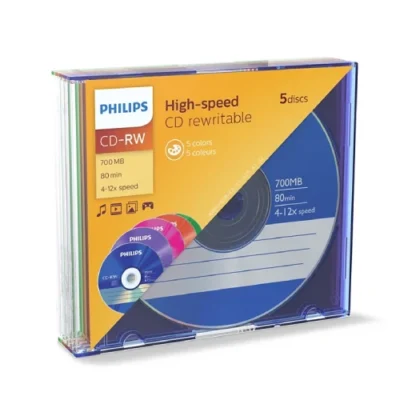
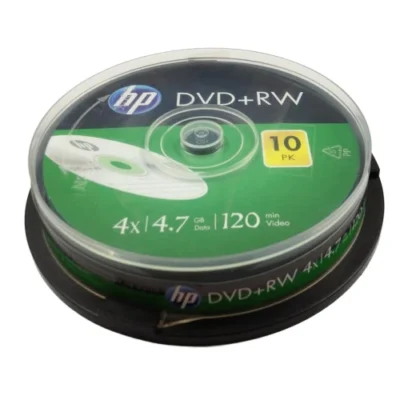
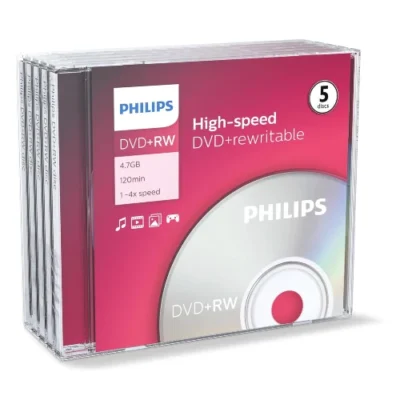
BD-RE, DVD-RW/-RAM and CD-RW discs are a great choice for quick back-ups. Re-writable media allows you to add and edit content. This works well for constantly changing information.
Whether creating an archive or a backup, always remember to store your discs in a sleeve or case. This will help ensure they are protected from fingerprints, accidental spills, dust and debris, protecting your files for decades to come.
The ideal way to store discs is in an upright (like a book) position in a CD/DVD/Blu-ray case. Ideally, discs should be stored in a location 60-75 degrees F with 35-50% relative humidity. Fluctuations in the storage area should not exceed +/- 2 degrees F. in temperature; relative humidity should not fluctuate more than +/- 5%.




Reviews
There are no reviews yet.